Hotel Energy Saving Calculator: How to Estimate kWh and Running Cost
A hotel energy saving calculator explains how to turn guest-room loads and run times into kilowatt-hours and cost with formulas and worked examples.

A hotel energy saving calculator is a structured method, usually worked by hand, that converts a guest room's known appliance loads and run times into kilowatt-hours and running cost, so an owner can estimate how much energy a room draws while occupied and how much it draws when left empty. The calculator rests on one basic relationship: energy in kilowatt-hours equals power in kilowatts multiplied by time in hours, written kWh = kW x h, applied to each appliance the room powers. A hotel energy saving calculator is useful because it turns the intuition that an empty room wastes power into a number comparable across rooms, floors, and whole properties. Because every estimate depends on the loads a property installs and the hours those loads run, the calculator is built around variables a hotel can measure and tune rather than around fixed rules. It is a planning tool that supports a purchasing or retrofit decision with arithmetic instead of opinion.
What a Hotel Energy Saving Calculator Does
The job of a hotel energy saving calculator is to translate a room's physical loads into a single comparable figure, the kilowatt-hours the room uses per day. The calculator starts with an inventory of every appliance that draws power: the lighting fixtures with their wattages, the air-conditioning unit with its rated and running power, and the wall sockets with the television, kettle, minibar, and chargers that plug into them. For each item the user writes two numbers, the power in kilowatts and the time in hours that the item runs in a day. Multiplying the two gives the daily energy of that item, and adding every item gives the room total. The calculator is deliberately simple because its value is in forcing a clear inventory and honest run times rather than in sophisticated math. Once a room total exists, the same worksheet can be run twice, once for an occupied day and once for an empty day, and the difference between the two is what switching the room off could remove. A hotel energy saving calculator is therefore a comparison tool at heart, comparing an occupied room with an empty one using the same appliance list.
Hotel Energy Saving Calculator: The Load Inventory
The first column a hotel energy saving calculator needs is a complete load inventory, because any appliance left out makes the result understate the room. The inventory should be walked physically, noting each light with its lamp wattage, the air-conditioning model with its running power, and each socket with the appliance normally connected to it. A helpful trick is to read the power rating from the nameplate of each appliance, because nameplate watts are a real number rather than a guess. For the air conditioner, the running power during normal operation is usually lower than the rated maximum because the compressor cycles, and using the rated figure will overstate the load; a practical estimate is the rated input in watts reduced for typical duty. The inventory table should have three columns per row: the item, its power in kilowatts, and its assumed daily run time in hours. The sum of the power column and the sum of the energy column are both useful, the first to size wiring and the second to estimate use. A hotel energy saving calculator that begins with an accurate inventory produces numbers an owner can defend to a colleague or a lender.
| Inventory item | Power (kW) | Assumed run time (h/day) |
|---|---|---|
| LED ceiling lights | 0.03-0.08 | 4-6 |
| LED bedside lamps | 0.02-0.05 | 2-3 |
| Air-conditioning unit | 0.9-2.5 | 6-12 |
| Television | 0.05-0.12 | 3-5 |
| Kettle | 1.5-2.2 | 0.1-0.2 |
| Minibar refrigerator | 0.04-0.09 | 24 (if unswitched) |
Hotel Energy Saving Calculator: The Baseload Formula
The baseload is the energy a hotel energy saving calculator counts as present even when nothing is intentionally in use, and it is often the biggest surprise in a room. The formula is the same energy equals power times time, but applied to the continuous draws that never stop. A minibar refrigerator that stays plugged in through the night runs 24 hours, so its daily energy is its running power in kilowatts multiplied by 24, and if its compressor cycles, the average draw is used rather than the peak. A smoke detector, a telephone base, and the switch panel itself all draw a small continuous current that adds a small daily total. When a room is empty but left powered, the baseload keeps flowing because the sockets and appliances remain connected, so an empty room is rarely at zero even before anyone arrives. The baseload is the part of the room load that a hotel energy saving calculator must separate from the deliberate loads, because it tells an owner how much power a room draws at rest. Reducing the baseload, by moving the minibar off the switched circuit or by switching the whole circuit, directly reduces the empty-room floor.
Hotel Energy Saving Calculator: The Card-Activated Runtime
The card-activated runtime is the variable that a hotel energy saving calculator uses to separate an occupied room from an empty one, and it is the reason the switch enters the calculation at all. In a room controlled by a key card switch, power is available only while a card is in the slot, so the run time of every controlled load is bounded by the interval the room is occupied. The calculator models this by setting the daily run time of the lighting, the air conditioner, and the switched sockets equal to the hours a guest is actually in the room with the card inserted. In an occupied day that runtime might be the full guest present time, while in an empty day, between checkout and the next arrival, the runtime drops to zero because no card is present. The occupied runtime is a planning choice the user writes in, and it depends on the property's checkout time, cleaning schedule, and typical guest hours. A hotel energy saving calculator uses this single number to toggle a whole room from occupied to empty, which is exactly the behavior a key card switch creates in the wall.
Hotel Energy Saving Calculator: kWh Worked Example
A hotel energy saving calculator is best shown by a worked example, so this section walks one guest room through the formula step by step. Take a room with three LED ceiling lights at 0.04 kW each running 5 hours, two bedside lamps at 0.02 kW each running 3 hours, a split air conditioner that draws an average 1.5 kW and runs 8 hours, a television at 0.1 kW running 4 hours, and a minibar at 0.08 kW running 24 hours if it stays on the switched circuit. The lighting energy is three lights times 0.04 kW times 5 hours, giving 0.6 kWh, plus two lamps times 0.02 kW times 3 hours, giving 0.12 kWh, so lighting is 0.72 kWh. The air conditioner is 1.5 kW times 8 hours, giving 12 kWh. The television is 0.1 kW times 4 hours, giving 0.4 kWh. The minibar is 0.08 kW times 24 hours, giving 1.92 kWh. The occupied room total is the sum of 0.72, 12, 0.4, and 1.92, giving 15.04 kWh for the day. If the minibar is moved ahead of the switch so it stays powered, an empty day removes the lighting, the air conditioner, and the television, which is the 13.12 kWh of deliberate load, leaving only the 1.92 kWh baseload. A hotel energy saving calculator makes this arithmetic explicit so any owner can reproduce it.
Hotel Energy Saving Calculator: Cost per kWh and Tariff
The next step in a hotel energy saving calculator is converting kilowatt-hours into running cost, because money is the number owners act on. The conversion is cost equals energy in kilowatt-hours multiplied by the tariff in currency per kilowatt-hour, written cost = kWh x price. A hotel should read its real tariff from the utility bill rather than a general figure, because tariffs vary by region, time of day, and contracted rate. Using a worked example, if the occupied room above uses 15.04 kWh in a day and the tariff is a flat 0.15 currency units per kilowatt-hour, the occupied-day cost is 15.04 times 0.15, giving 2.26 units. If the empty room uses 1.92 kWh, the empty-day cost is 1.92 times 0.15, giving 0.29 units. The difference between 2.26 and 0.29 is 1.97 units per empty day in that scenario. This cost difference is exactly what a hotel energy saving calculator produces when run for both an occupied and an empty day, and it can be multiplied by the number of empty room-days a property has in a month. Because the tariff is a simple multiplier, the same energy worksheet becomes a cost worksheet without any new math.
Hotel Energy Saving Calculator: Lighting Loads
Lighting is the easiest part of a hotel energy saving calculator to count because the wattages are printed on the lamps and the run times are predictable. The energy of one fixture is its wattage divided by one thousand to make kilowatts, multiplied by the hours it is on. A property that has converted to LED will see small numbers per fixture, a typical LED lamp drawing a few watts rather than the tens of watts of an older incandescent, so the lighting total is often a modest share of the room. The run time is guest-driven: lights are on while the guest is in the room, and in an empty room with no card they are simply not powered. Because lighting is fully on the switched circuit in almost every layout, a hotel energy saving calculator can treat the entire lighting total as removable when the room is empty. The lighting rows also make a good validation step, because an owner can compare the estimated lighting energy with a quick meter reading on a lit room and confirm the worksheet is in the right order of magnitude before trusting the larger air-conditioning rows.
Hotel Energy Saving Calculator: Air-Conditioning Loads
Air-conditioning is usually the largest row in a hotel energy saving calculator and the row most worth estimating carefully. The rated input in watts from the unit nameplate is the maximum, but a split air conditioner in normal operation cycles the compressor, so its average running power is lower. A workable method is to estimate the average draw as a share of the rated input, or to measure the running current with a clamp meter and multiply by the supply voltage to get watts. The run time is set by the guest and the climate: in a hot region a room may run for many hours a day, while in a mild season it may barely run at all. When a room is empty and the card is out, the air conditioner stops entirely because it is on the switched circuit, which is the single largest removable load in most rooms. A hotel energy saving calculator should treat air-conditioning both at its honest average power and at its honest run time, because using the rated maximum and a full day will exaggerate the room and make any comparison look larger than reality. An owner who wants confidence in this row should measure the running current rather than guess.
Hotel Energy Saving Calculator: Plug and Appliance Loads
Plug and appliance loads are the third block a hotel energy saving calculator has to count, and they vary the most from room to room. The television, the kettle, chargers, and occasional appliances all plug into the switched wall sockets, so their daily energy is each appliance's wattage over one thousand times its actual use time. A kettle draws high power but runs for only minutes, so its energy is small despite the large wattage, which is exactly the kind of point the formula makes clear. The minibar refrigerator is the one appliance that a property often keeps off the switched circuit so its stock stays cold, and in that layout it belongs in the baseload rather than the switched block. The plug block is where a hotel energy saving calculator lets an owner test decisions, such as whether to switch all sockets or keep a cleaning socket live. Summing the plug loads for the occupied day and again for the empty day shows how much of the room's draw sits in the sockets, and it guides the wiring decision of which sockets belong on the relay. A complete plug inventory prevents a worksheet from quietly missing a real load.
Hotel Energy Saving Calculator: Per-Room Daily Total
The per-room daily total is the figure that brings a hotel energy saving calculator together, because it is a single number an owner can use everywhere. It is simply the sum of the lighting energy, the air-conditioning energy, and the plug energy for the day being modeled. The calculator is usually run twice: once with the occupied run times and once with the empty run times, and the two totals are the occupied-room daily kilowatt-hours and the empty-room daily kilowatt-hours. In the worked example earlier, those two were 15.04 kWh and 1.92 kWh, with the difference of 13.12 kWh being the deliberate load that disappears when the room has no card. This per-room daily difference is the number that scales to a month or a whole property, and it is the honest core of the estimate because it comes from real inventory and chosen run times. A hotel energy saving calculator should always state the assumptions that produced the total, such as the average air-conditioning power and the occupied hours, so the number can be questioned and tuned rather than accepted blindly.
Hotel Energy Saving Calculator: Scaling to the Property
Scaling a per-room result to a whole property is where a hotel energy saving calculator becomes a business figure instead of a single-room curiosity. The daily difference per room is multiplied by the number of room-days that are empty each month, which an owner derives from occupancy records. If a property has a given number of rooms and a given share of room-nights standing empty, the monthly room-kilowatt-hours is the per-room daily difference times the empty room-days. That monthly energy is then multiplied by the tariff to give a monthly running-cost figure for empty rooms. An owner can also run the calculator forward, applying the same empty room-days but a reduced empty-day total, to model what a different layout or a switch might do to the number. The scale-up is pure arithmetic, so its accuracy depends entirely on the per-room estimate and the occupancy figure feeding it. A hotel energy saving calculator used at property scale gives management a defensible monthly number that can be revisited whenever the tariff, the appliance inventory, or the occupancy changes.
Hotel Energy Saving Calculator: Validation with a Meter
Validation is the final discipline a hotel energy saving calculator should include, because an estimate is only as good as the evidence behind it. A property can measure a room with a simple watt-hour meter plugged between a socket and its appliance, or read the room circuit at the distribution board with a clamp meter to compare measured watts with the worksheet total. The validation step is to power the room, note the meter, run it for a known hour count, and check the measured kilowatt-hours against the calculated figure. Discrepancies usually point to an underestimated run time or a misread nameplate, and correcting the worksheet makes all the scaled numbers trustworthy. Once one room validates, the same inventory can be reused for identical room types with confidence. A hotel energy saving calculator that ends with validation produces numbers an owner can defend in a meeting, because every row now stands on a measurement rather than on a guess. This closes the loop from inventory to estimate to verified figure, which is the most reliable way to turn a room's appliance list into a decision-ready cost.
Hotel Energy Saving Calculator: Run-Time Assumptions
The run-time assumptions are the least visible but most influential numbers in a hotel energy saving calculator, so they deserve their own section. Every energy row is the product of a power and a time, and while the power comes from a nameplate, the time is a choice the user writes down. An occupied day in this worksheet assumes a certain number of hours that the lighting is on, that the air conditioner runs, and that the television plays, and those hours come from the property's own pattern of check-in, checkout, and guest behavior. An empty day assumes the same room with no card, so the controlled loads run for zero hours and only the baseload remains. The difference between the two scenarios is only the run-time assumptions, which is why a hotel energy saving calculator is so sensitive to them. An owner should state each assumption next to the result, for example lighting five hours and air-conditioning eight hours, so that a skeptic can see exactly what was modeled. Realistic run times come from observing a few real rooms or from a quick guest survey, and they matter more than the exact wattages because time multiplies the whole row.
Hotel Energy Saving Calculator: Seasonal Scenarios
A seasonal scenario is a run of a hotel energy saving calculator under different weather conditions, because the room total changes far more with the season than with the switch. In a hot season the air conditioner runs longer and at higher average power, so the occupied-day total rises and the empty-day difference grows with it. In a mild season the air conditioner may run only a few hours, shrinking both the occupied total and the empty-day difference. The best way to model this is to run the worksheet three times, once for a hot month, once for a mild month, and once for a cold month, changing only the air-conditioning run time and the average power. The three results show an owner how much of the empty-room figure is seasonal rather than constant, which matters when deciding whether a retrofit pays for itself at the right time of year. A hotel energy saving calculator used seasonally also produces a better annual estimate than a single snapshot, because it averages the three runs against the property's monthly occupancy. Seasonality is the main reason an honest estimate is a small set of scenarios rather than one fixed number.
Hotel Energy Saving Calculator: Room Types and Variations
Room types introduce variation that a hotel energy saving calculator must acknowledge, because a standard room, a suite, and a family room rarely carry the same loads. A standard room has one air conditioner, one television, and a small lighting set, so its total is close to the worked example already shown. A suite adds more lighting, a larger television or a second one, a second air conditioner in some layouts, and perhaps a kitchenette kettle and refrigerator, all of which raise the occupied and empty totals. A family or accessible room may carry an extra television and a minibar that is kept powered, which changes the baseload as well as the deliberate load. The cleanest way to handle this is to build one worksheet per room type rather than averaging all rooms into a single number, then weight each type by how many rooms of that kind the property has. A hotel energy saving calculator that separates room types gives a property owner a per-type number that is directly useful for deciding where a switch or a wiring change helps most. Variation is not a defect in the method; it is the reason the inventory is walked room by room in the first place.
Hotel Energy Saving Calculator: A Second Worked Example
A second worked example in a hotel energy saving calculator shows how the method bends for a different room, so this section models a small twin room with lighter loads. Take two LED lights at 0.04 kW each running 4 hours, one bedside lamp at 0.02 kW running 2 hours, a split air conditioner averaging 1.2 kW running 7 hours, a television at 0.09 kW running 3 hours, and a minibar at 0.07 kW running 24 hours. The lighting energy is two lights times 0.04 kW times 4 hours, giving 0.32 kWh, plus one lamp times 0.02 kW times 2 hours, giving 0.04 kWh, so lighting totals 0.36 kWh. The air conditioner is 1.2 kW times 7 hours, giving 8.4 kWh. The television is 0.09 kW times 3 hours, giving 0.27 kWh. The minibar is 0.07 kW times 24 hours, giving 1.68 kWh. The occupied twin room totals 10.71 kWh, and if the minibar is kept powered ahead of the switch, the empty room leaves 1.68 kWh as baseload. Comparing this with the first example, the smaller room has a smaller total and a smaller empty-day difference, which is exactly the pattern an owner would expect and confirms that a hotel energy saving calculator scales with the room it is fed.
Hotel Energy Saving Calculator: The Difference Method
The difference method is the cleanest way to present what a hotel energy saving calculator is actually measuring, because it states the answer as a single contrast. The method is to run the worksheet once with occupied run times and once with empty run times, then subtract the empty total from the occupied total. The result is the daily kilowatt-hours that disappear when a room sits empty with no card in the slot. In the first worked example that difference was 13.12 kWh, and in the twin example it was 9.03 kWh, both being the deliberate lighting, air-conditioning, and plug loads that a switch cuts. Presenting the result as a difference rather than as two separate totals keeps the attention on the room-days the property actually has standing empty. An owner can then say that on an empty room-day the controlled circuit stops drawing roughly that many kilowatt-hours, which is a claim grounded in the inventory and the chosen run times. The difference method is the core of a hotel energy saving calculator because it directly answers the question a buyer is asking, which is how much the room draws when nobody is in it.
Hotel Energy Saving Calculator: Presenting Results to Owners
Presenting results is the communication layer of a hotel energy saving calculator, because a clean number in a spreadsheet means little until it becomes a decision. The clearest presentation is a short table with three columns: the occupied-day total, the empty-day total, and the daily difference, each in kilowatt-hours and again in running cost at the property tariff. A second table scales those numbers to a month using the property's empty room-days, giving a monthly kilowatt-hours and monthly cost for empty rooms. The presentation should always list the assumptions, the average air-conditioning power, the occupied hours, and the tariff, so the reader can follow the math. An owner who sees the monthly empty-room figure in running cost can weigh it against the cost and effort of a wiring change or a switch install. A hotel energy saving calculator becomes persuasive when the assumptions are visible and the arithmetic is reproducible, because a decision-maker can then change a number and watch the result update rather than trusting a black box.
Hotel Energy Saving Calculator: Common Pitfalls
The common pitfalls of a hotel energy saving calculator are worth listing so a new user does not quietly overstate or understate a room. The first pitfall is using the rated maximum air-conditioning power instead of the average running power, which can roughly double the largest row. The second is assuming a full 24-hour day for a controlled load, when a guest is rarely in the room for every hour, so the run times should reflect actual presence. The third is forgetting the baseload, the minibar or other always-on appliance, and treating an empty room as zero, which makes the difference look larger than reality. The fourth is applying one room type's number to every room in the property without weighting by how many of each type exist. The fifth is using a guessed tariff instead of the real one from the utility bill, which skews every cost figure. Each pitfall is a place where a hotel energy saving calculator can drift from reality, and each has a simple guard: measure the air-conditioning, write honest run times, keep the baseload separate, weight by room type, and read the tariff. Naming the traps is as useful as the formulas themselves.
Hotel Energy Saving Calculator: Building the Spreadsheet
Building the spreadsheet is the practical last step that turns a hotel energy saving calculator from a method into a repeatable tool. A simple layout has one row per appliance and three columns for power, run time, and daily energy, with the daily energy as the product of the first two. A second sheet repeats the inventory but with empty run times set to zero for the controlled loads, keeping only the baseload. A summary cell subtracts the empty total from the occupied total to give the daily difference, and another cell multiplies that difference by the property tariff and by the monthly empty room-days. The formulas are simple enough to type directly, with the daily energy cell as equals power times hours, and the monthly cell as equals daily difference times tariff times days. Because the whole thing is a handful of cells, an owner can change the air-conditioning power or the occupied hours and watch the monthly number update instantly. A hotel energy saving calculator built this way becomes a living worksheet the property reuses after each tariff change, inventory update, or seasonal shift.
Hotel Energy Saving Calculator: A Worked Cost Table
A worked cost table is the cleanest way for a hotel energy saving calculator to show both the energy and the money in one view, so this section brings the two earlier examples together side by side. The first room, with an occupied total of 15.04 kWh and an empty total of 1.92 kWh, has a daily difference of 13.12 kWh. The twin room, with an occupied total of 10.71 kWh and an empty total of 1.68 kWh, has a daily difference of 9.03 kWh. At a tariff of 0.15 currency units per kilowatt-hour, the first room's difference is worth about 1.97 units per empty day, and the twin room's difference is worth about 1.35 units per empty day. Reading the table, an owner can see both rooms side by side and confirm that the larger room carries the larger empty-day figure. A hotel energy saving calculator presented this way lets a decision-maker compare the daily and monthly running cost of empty rooms across room types in a single glance, which is exactly what a management meeting needs before a retrofit decision is made.
| Room type | Occupied kWh/day | Empty kWh/day | Daily difference kWh | Daily cost of difference |
|---|---|---|---|---|
| Standard room | 15.04 | 1.92 | 13.12 | 1.97 units at 0.15 |
| Twin room | 10.71 | 1.68 | 9.03 | 1.35 units at 0.15 |
Hotel Energy Saving Calculator: Reducing the Empty-Day Total
Reducing the empty-day total is the practical use of a hotel energy saving calculator, because an owner uses the worksheet to test what brings the empty-room floor down. The first lever is switching the controlled circuit so the lighting, the air conditioner, and the sockets go dead when no card is present, which removes the entire deliberate load and leaves only the baseload. The second lever is moving the minibar ahead of the switch so it stays powered for stock, which trades a small always-on baseload for the much larger deliberate load that otherwise keeps running. The third lever is tuning the baseload itself, choosing a more efficient minibar or reducing the number of always-on sockets, because any appliance that never switches becomes part of the empty floor. An owner can run the worksheet with each lever applied and watch the empty-day total fall row by row. A hotel energy saving calculator is most valuable at this step because it lets a property test a wiring change or a switch install on paper before spending on it, showing the running-cost effect of each option in kilowatt-hours and money.
Hotel Energy Saving Calculator: When the Estimate Is Useful
Knowing when a hotel energy saving calculator is useful, and when it is only a starting point, keeps the method honest. The estimate is at its most useful for comparing one room type against another, for testing a wiring or switch decision before buying hardware, and for building a defensible monthly figure from real occupancy. It is a planning tool, not a meter, so it cannot replace a watt-hour meter reading on a room, and its accuracy depends on the run times and average power the user writes in. When a property wants certainty about a single room, the right next step is measurement; when it wants a comparable figure across a fleet, the worksheet is the faster path. An owner should treat the number as a decision aid that improves with validation, and re-run it whenever the tariff, the appliance inventory, or the seasonal pattern changes. A hotel energy saving calculator earns its place precisely because it turns a room's appliance list into a repeatable, reviewable estimate that an owner can defend, tune, and scale. For a property evaluating an energy-saving project, running the calculation first avoids surprise line items and lets the owner compare a card switch retrofit against any alternative on the same kilowatt-hour and cost scale.
Part of this article content is generated by AI and optimized for professional accuracy and readability.
Not sure which sensor fits your project?
Talk to our mmWave application engineers for a free consultation.
Find the right presence sensor for your hotel project
Compare the 3 protocols, check hotel-specific case studies, and download the installation guide
Related products
2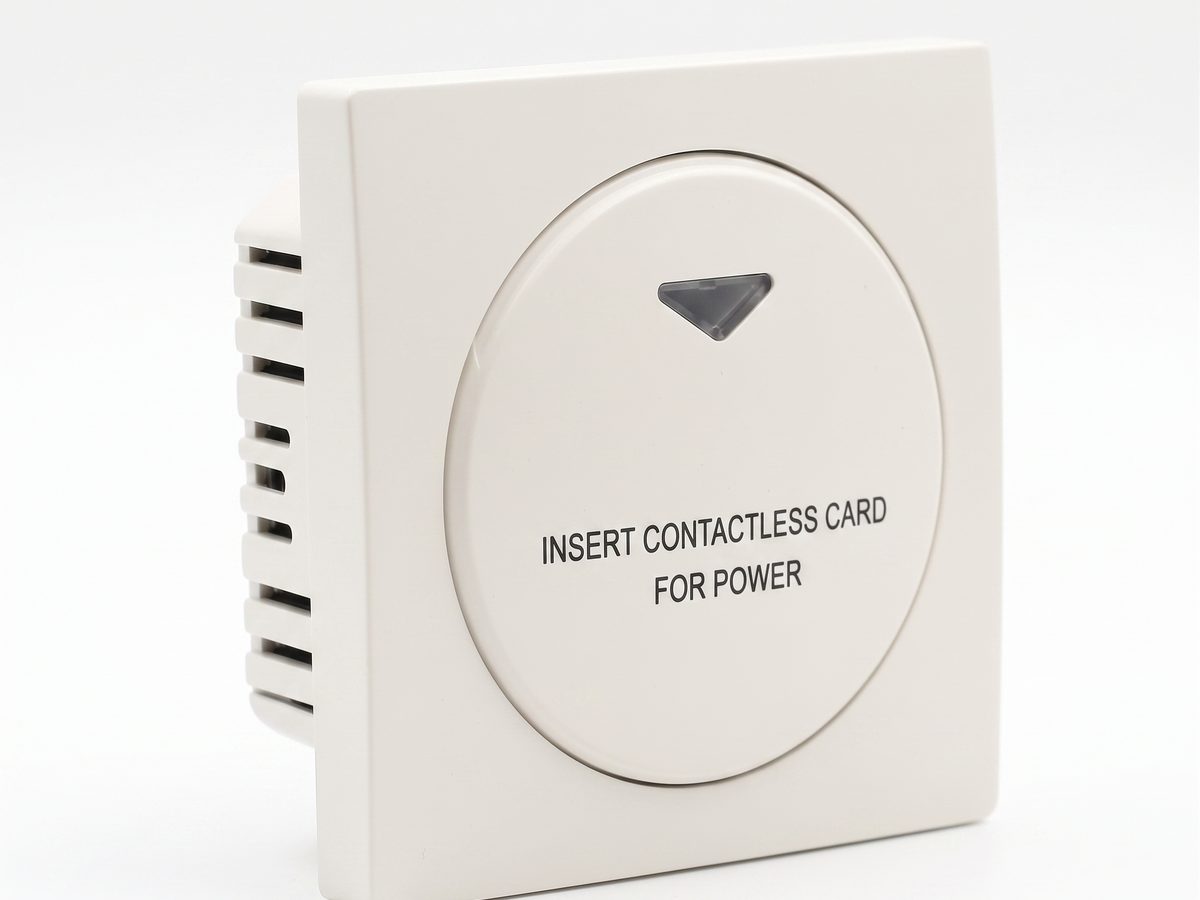
Hotel Key Card Switch — Guest Room Power Control
Hotel key card switch for guest room power control. RFID/IC card detection, insert-and-power, card removal time-delay power-off. 220V AC, 10A-16A, RS485 or dry contact. CE RoHS. OEM/ODM supplier.
This page already points to it as the next recommended reference.
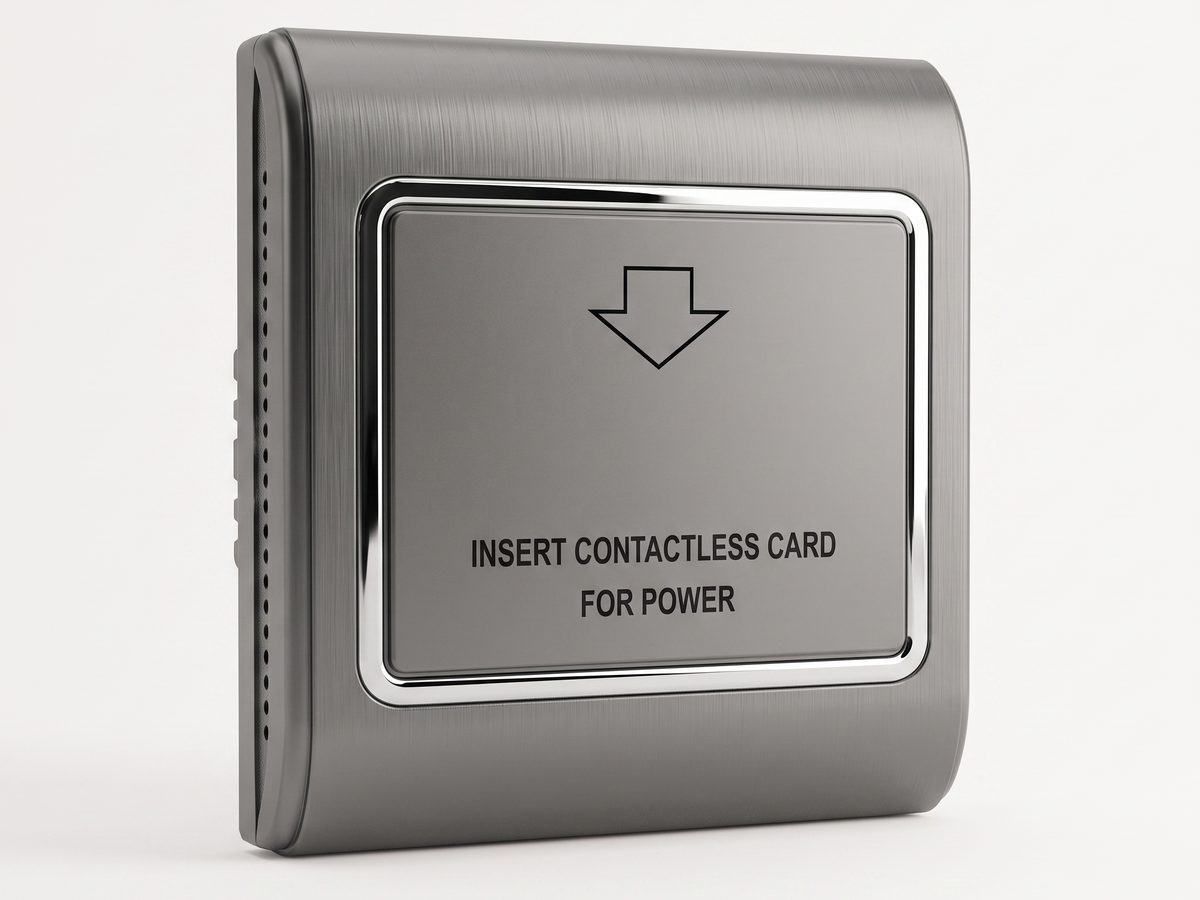
RFID Energy Saving Switch — Room-Bound MIFARE Card Switch (Type B)
RFID energy saving switch that binds power to a specific room MIFARE card. 13.56MHz MIFARE / 125kHz Temic, AC 180–250V, 30A, 15s delay-off. An RFID hotel switch that stops card-sharing between rooms and cuts 25–40% room energy.
This page already points to it as the next recommended reference.
Related solutions
3Guest Room Management System Based on Card-Controlled Power
A practical guest-room management system for controlling room power through key card switches, contactors, and clearly documented operating rules.
It supports the same product context: Hotel Key Card Switch — Guest Room Power Control, RFID Energy Saving Switch — Room-Bound MIFARE Card Switch (Type B).
Hotel Energy Saving with Guest-Room Power Switching
A hotel energy-saving solution that uses card-controlled room power to prevent lights, air conditioning, and selected outlets from running unnecessarily.
It supports the same product context: Hotel Key Card Switch — Guest Room Power Control, RFID Energy Saving Switch — Room-Bound MIFARE Card Switch (Type B).
Hotel Room Power Control with Key Card Switches
A practical hotel room power control solution for switching guest-room lighting, air conditioning, and outlets from an authorized room card.
It supports the same product context: Hotel Key Card Switch — Guest Room Power Control, RFID Energy Saving Switch — Room-Bound MIFARE Card Switch (Type B).
Related blog posts
3
Hotel Key Card Switch: Types, Models, and How to Specify
A hotel key card switch spans universal, RFID, TTLOCK, BLE, and occupancy models. This guide to the key card / keycard switch family covers the head terms —…
It supports the same product context: Hotel Key Card Switch — Guest Room Power Control, RFID Energy Saving Switch — Room-Bound MIFARE Card Switch (Type B).

RFID vs NFC for Hotel Key Card Switches: Which Card Tech to Choose
RFID vs NFC for hotel key card switches comes down to range and lock-in: 125kHz / 13.56MHz RFID (MIFARE, Temic) is the hotel standard for room-bound power…
It supports the same product context: RFID Energy Saving Switch — Room-Bound MIFARE Card Switch (Type B), Hotel Key Card Switch — Guest Room Power Control.
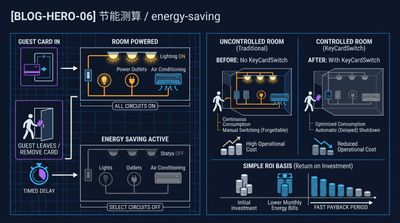
What Is a Hotel Key Card Switch and How It Saves Room Energy
A hotel key card switch is a wall device that powers a guest room when a card is inserted and cuts it when removed, typically saving 25–40% of room…
It supports the same product context: Hotel Key Card Switch — Guest Room Power Control, RFID Energy Saving Switch — Room-Bound MIFARE Card Switch (Type B).
Specify your hotel project with our engineers
Send your room count, ceiling type, and protocol preference. We will return a sample plan and quote within 24 business hours.
- Move from general guidance into a product or application discussion.
- Use RFQ when pricing, drawings, MOQ, or launch timing needs structure.
- Keep a direct contact path visible for fast clarifications and handoff.